Fletcher Audio · Sidechain shaping
Piston
Make room for the kick. Shape rhythmic movement with 16 envelopes, tempo sync, MIDI and audio triggering, and focused low-band ducking.
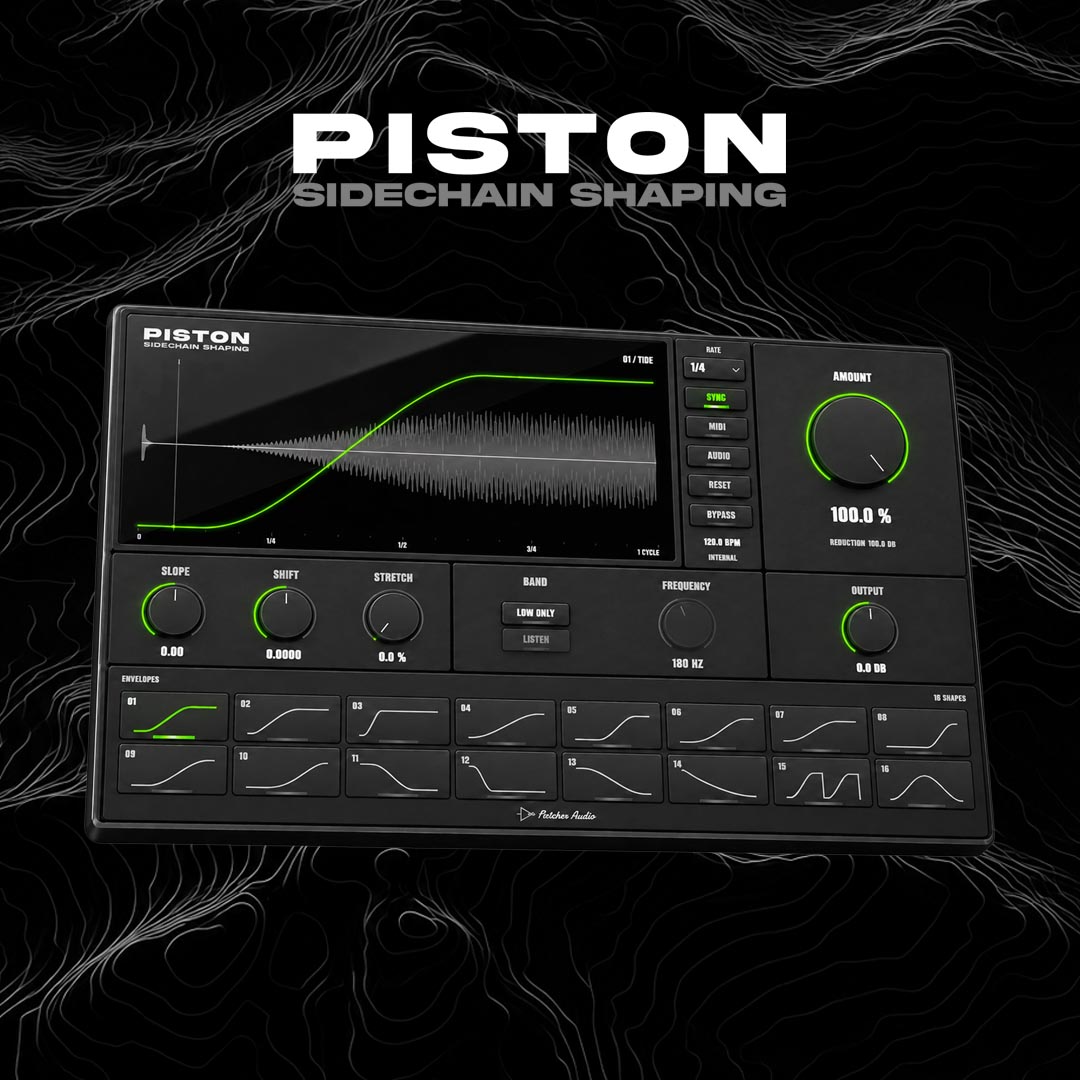
Find the space between the hits.
- 16 envelopes
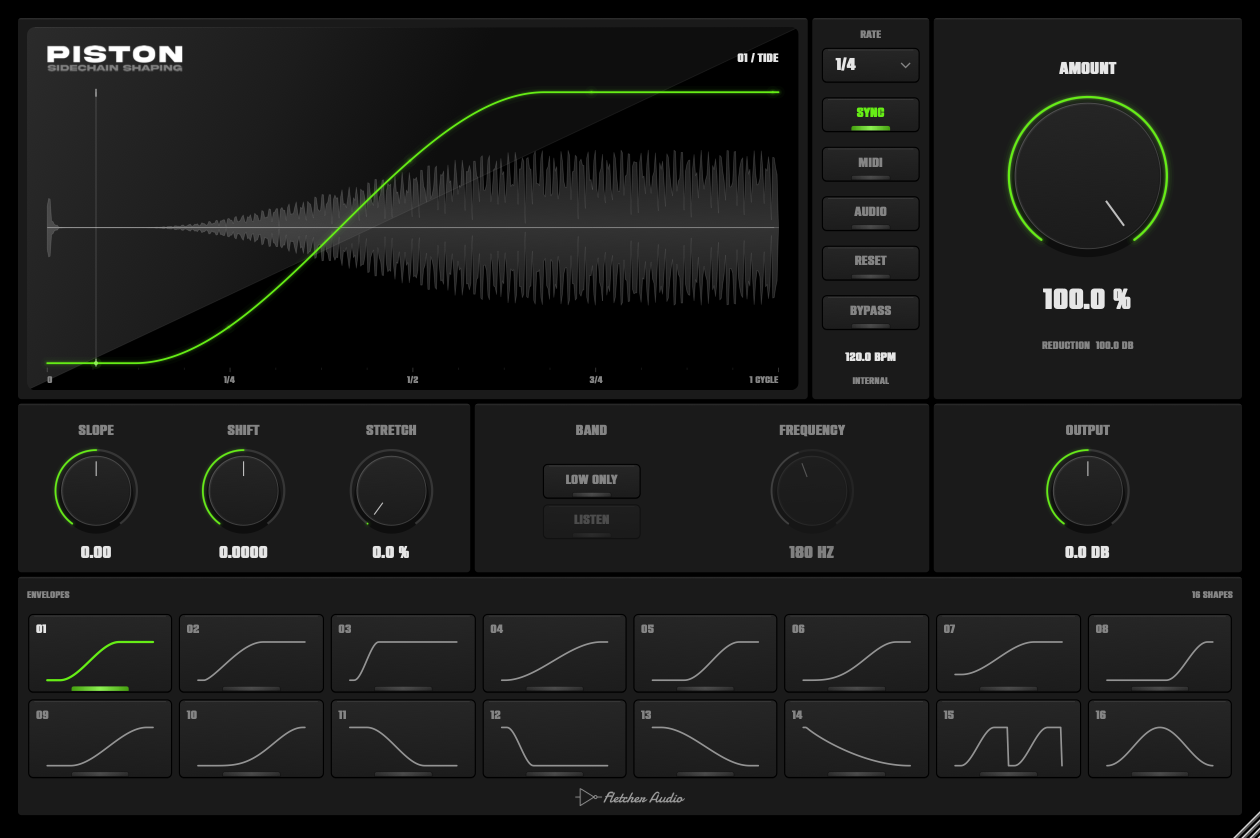
- Move from a gentle lift to deep pumping, sharp cuts, reverse swells and double pulses. Choose a shape and see its gain curve over your audio.
- Amount
- Set the depth of the movement, from the original signal to the full envelope.
- Slope / Shift
- Bend the response and place it in time. Each shape remembers its own slope and shift settings.
- Stretch
- Extend the envelope horizontally by up to 50%. The visible cycle defines what you hear, even when the curve’s peak moves beyond the screen.
- Low Only / Listen
- Duck the low band while preserving the top. Set the crossover from 20 Hz to 5.12 kHz, then listen to the low band as you tune it.
- Output
- Set the final level from −24 to +12 dB. Automate controls and save your settings with your DAW project.
Three ways to set it in motion
- Sync
- Follow your DAW’s tempo and transport. Choose eighth-note, quarter-note, half-note or whole-note cycles, with triplet and dotted options.
- MIDI
- Retrigger the envelope with MIDI notes for a pattern that follows your arrangement. Each note starts one visible cycle.
- Audio
- Route your kick or another track to Piston’s external sidechain input. Its transients trigger the envelope, so the movement follows the performance.
Your curve, in view
Compatibility
System requirements
- macOS
- macOS 11 or later · Apple Silicon & Intel buildAudio Unit + VST3
- Windows
- Windows 10 / 11 · x64VST3 · 64-bit
AAX / Pro Tools, VST2, 32-bit and Linux builds are not included.
Choose your DAW format
| DAW | macOS | Windows |
|---|---|---|
| Logic Pro | AU | Not available |
| Ableton Live | AU / VST3 | VST3 |
| FL Studio | AU / VST3 | VST3 |
Use VST3 and the same plugin version when moving projects between Mac and Windows. Your DAW may require a newer operating system.
Build and validation notes
Mac packages are Developer ID signed and Apple notarized. The universal build contains Apple Silicon and Intel code; Intel hardware testing is pending. Windows x64 VST3 and installer validation run on Windows. The Windows installer is unsigned and may show a Windows reputation prompt. Validation includes Audio Unit and VST3 checks; not every DAW version has been tested.
Installation & updates
Install on macOS
- Save your project and close your DAW.
- Open the downloaded DMG, launch Piston Setup and choose Audio Unit and/or VST3. Logic Pro needs Audio Unit.
- Install, then reopen your DAW. If needed, rescan through Logic’s Plug-in Manager, Live’s Plug-ins settings, or FL Studio’s Manage plugins window.
Manual ZIP: copy Piston.component into ~/Library/Audio/Plug-Ins/Components/ and Piston.vst3 into ~/Library/Audio/Plug-Ins/VST3/. Copy each complete bundle.
Install on Windows
- Save your project and close your DAW.
- Run Piston Setup and approve the administrator prompt.
- Reopen your DAW, enable its VST3 system folder and rescan, then insert Piston on an audio track.
Manual ZIP: copy the complete Piston.vst3 bundle into C:\Program Files\Common Files\VST3\. Use the Windows build; Mac bundles cannot run on Windows.
Update or uninstall
Piston checks for updates when its interface opens, at most once a day. Click the Fletcher Audio logo below the envelopes to check manually or disable automatic checks. A green dot appears when an update is available. Downloads remain in your AudioNode account.
Close your DAW before running a newer installer. It replaces the existing Piston version; the Mac installer backs up the previous plugin. To uninstall on Mac, run Uninstall Piston in your Applications/Fletcher Audio folder. On Windows, use Settings → Apps → Piston → Uninstall. Your DAW projects are preserved, but projects using a removed plugin will report it missing.
What is included?
Piston 1.0.0, 16 envelope shapes, tempo sync, MIDI and audio sidechain triggering, low-band shaping, macOS AU/VST3 and Windows x64 VST3 installers, and manual ZIP downloads. This is an effect plugin for a compatible DAW.