01 · Filters
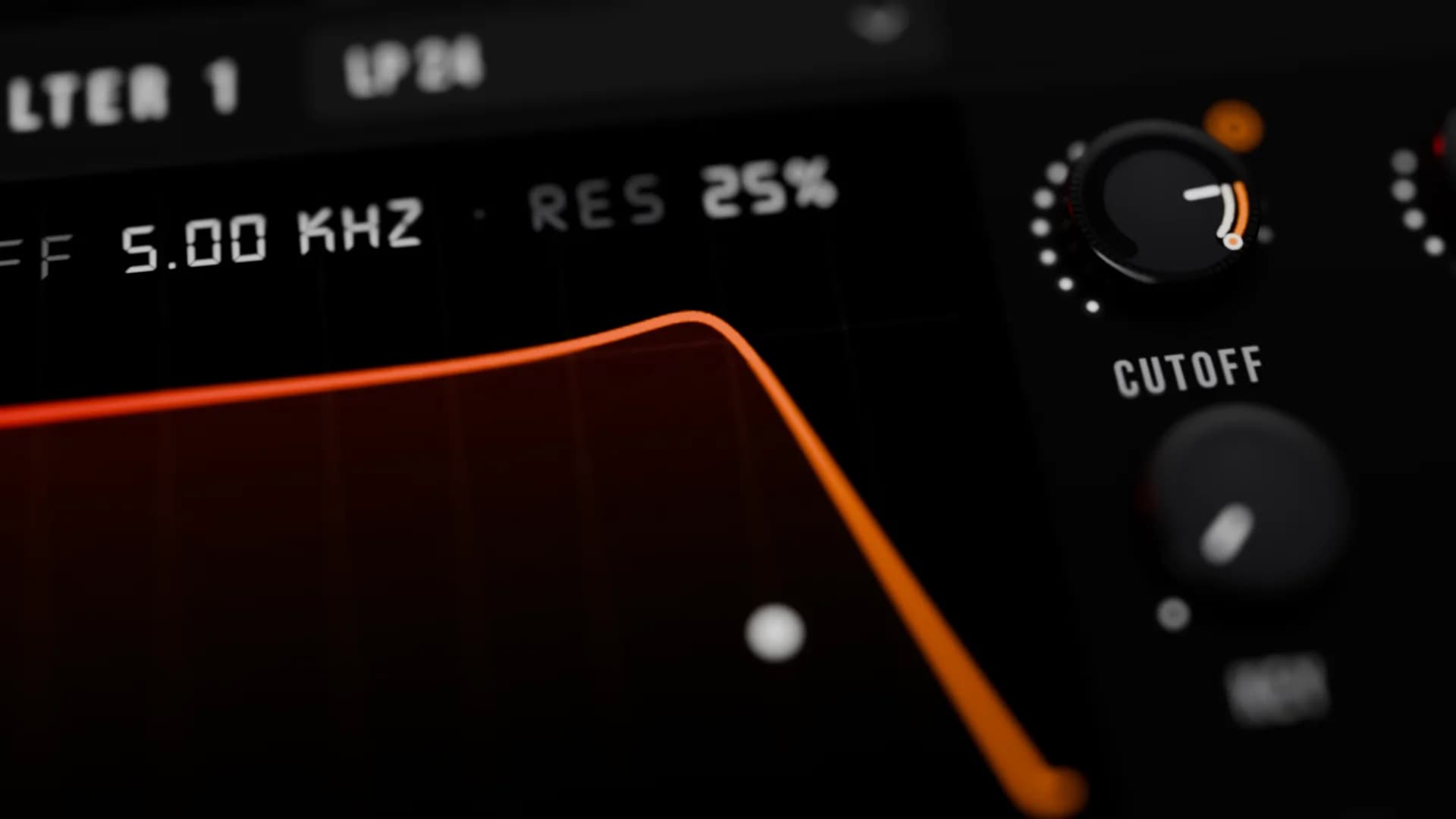
Two stereo filters, 30 models
Ladder, diode acid, scream, vowel, comb, phaser and more, in series or parallel, with left and right cutoff spread.
Nodium is a deep hybrid synthesizer from Fletcher Audio. Wavetable, spectral, granular, sample and physical modelling in every oscillator. Join the free beta and play it first.
The interface
All seven pages, captured from the standalone app. Click any page to see it full size, every control and readout.
Oscillators
Three oscillators, each switchable between five engines, plus a sub and sixteen pitchable noises. Cross modulate them at audio rate and stack up to 16 unison voices each.
Hear it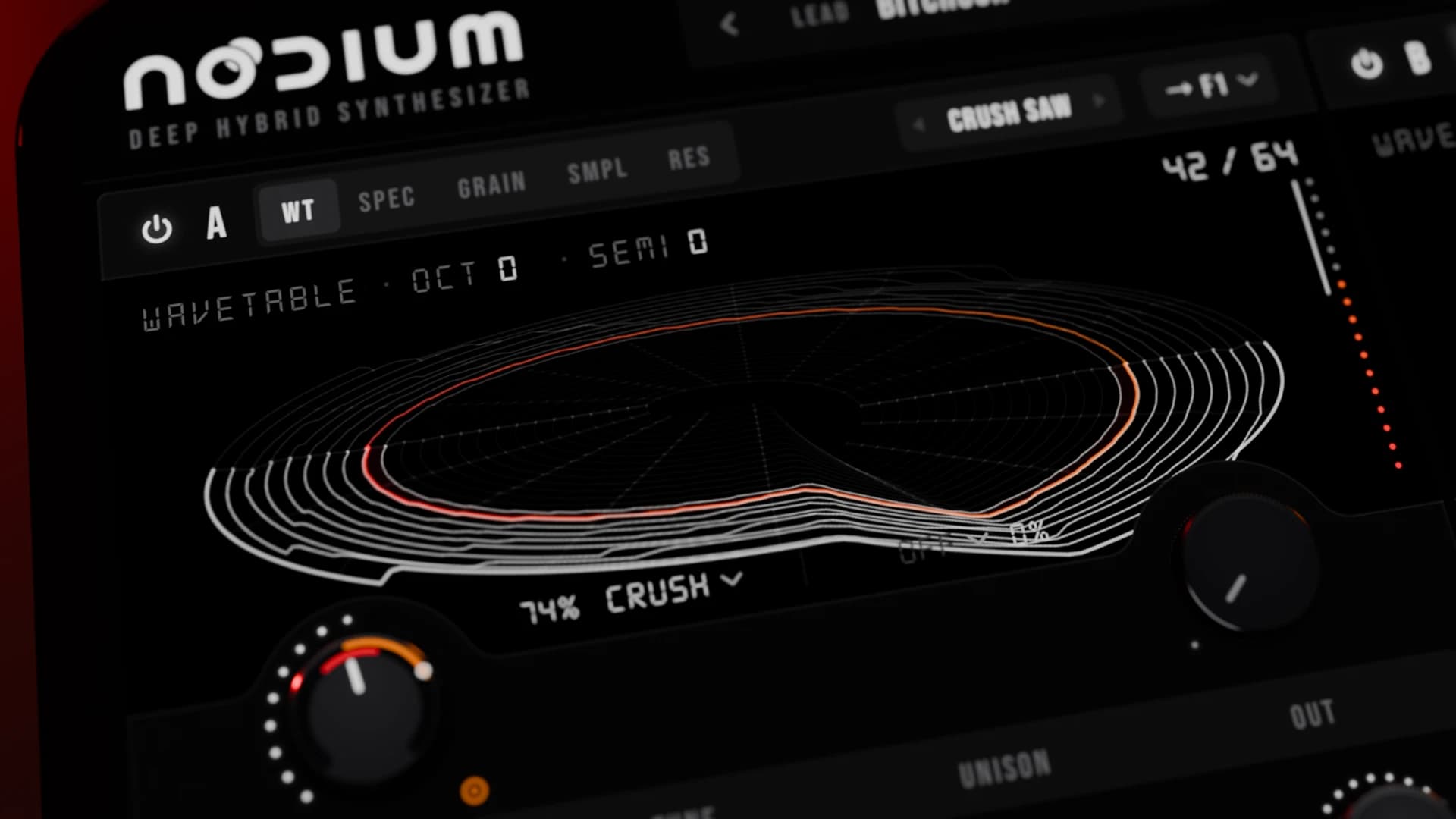 Osc A · Wavetable
01 / 05
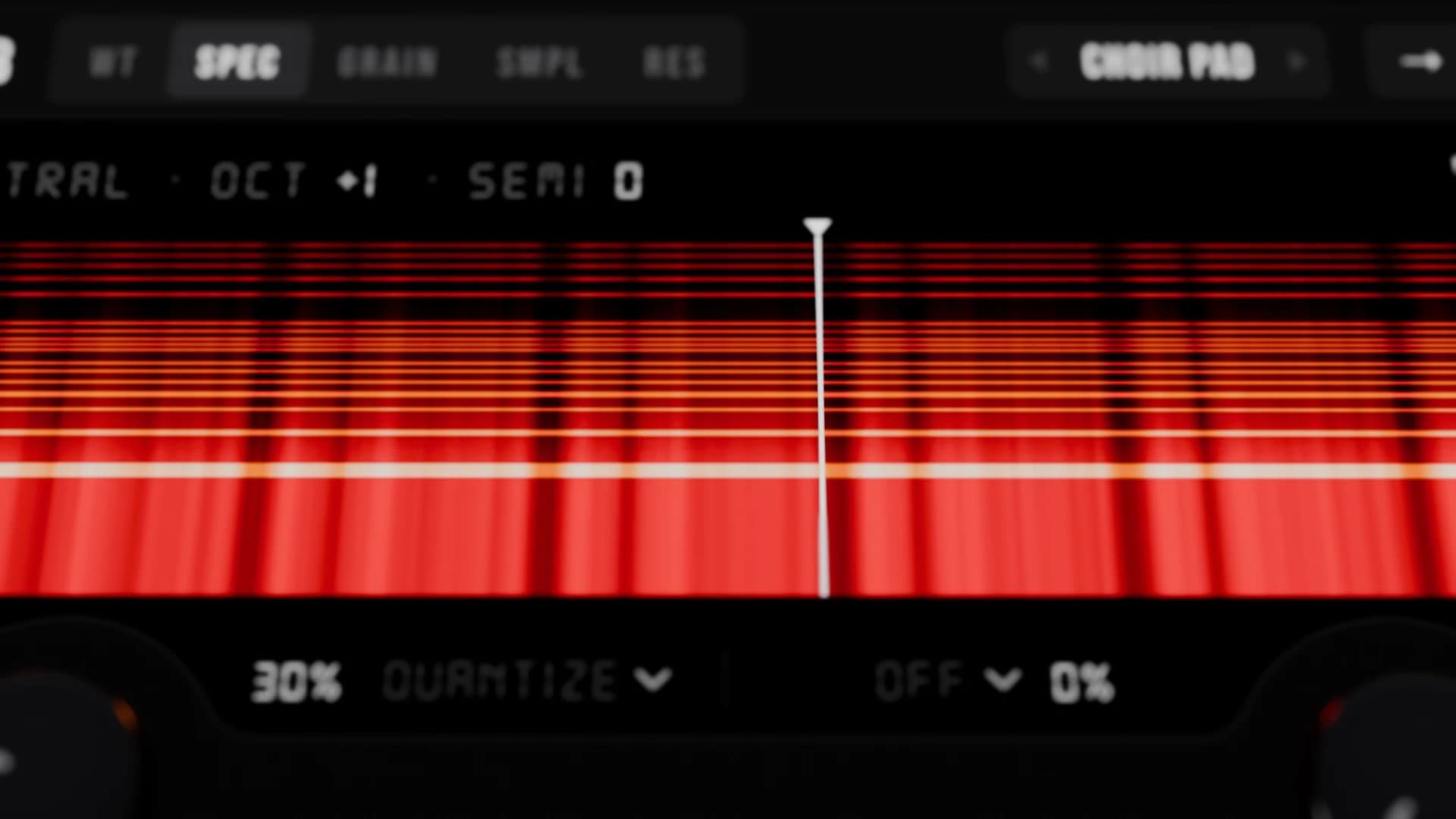
415 factory tables, or import your own. Two warp slots in series: sync, bend, fold, phase distortion, and FM, PM, AM or RM from any oscillator.
Resonator
Physical modelling
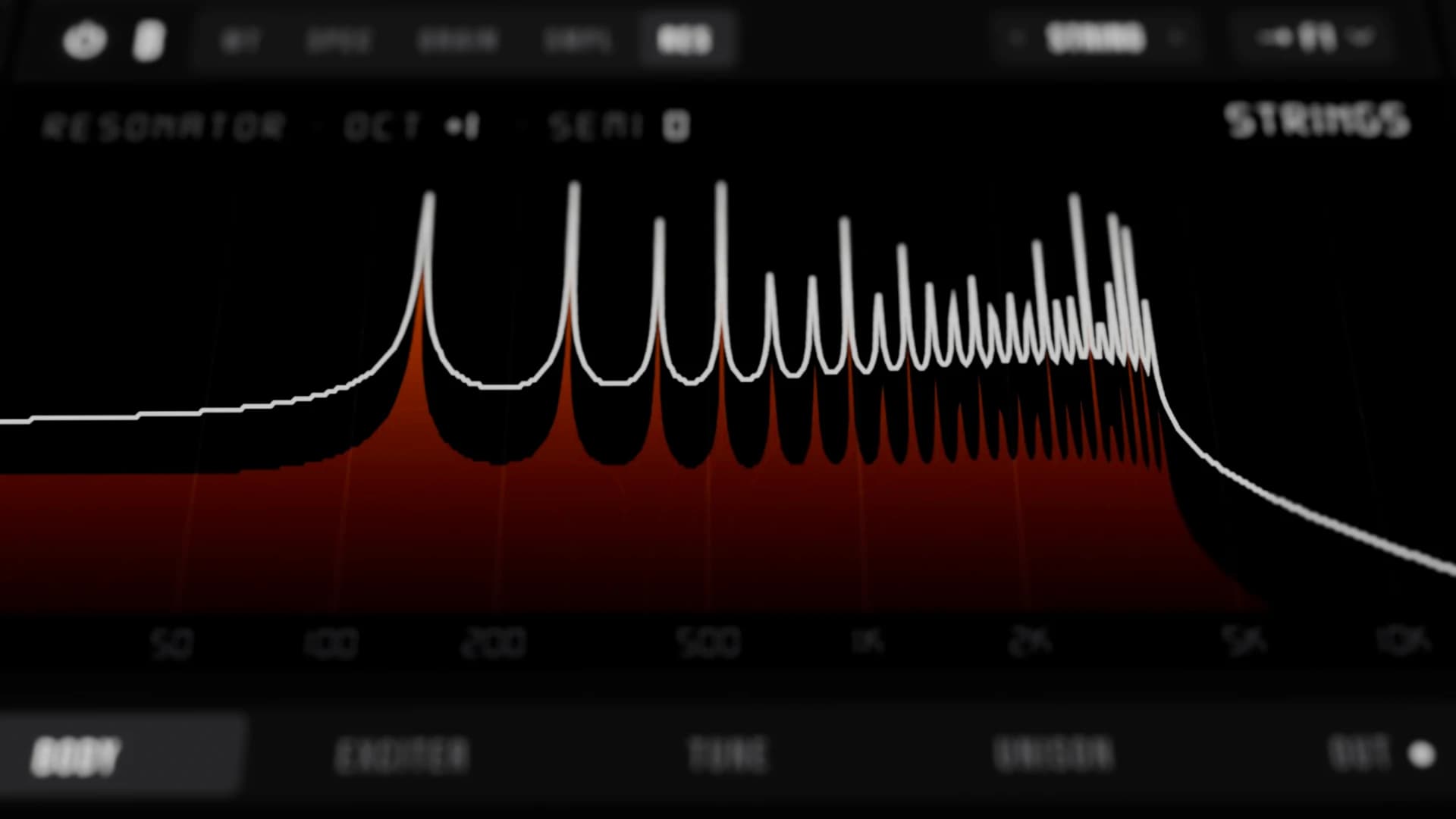
The Resonator engine models real bodies: strings, tubes, bars, bells, gongs, drums, glass and wood. Play them with mallets and hammers, plucks, a stick-slip bow or reed and jet breath. Body Morph scans from wood to metal and slack to tight.
Join the free betaNodium
Inside Nodium
Filters, modulation, FX, arpeggiator, macros, mix and routing. Every source has a drag handle, and 1,000 factory presets show what each page can do.
01 · Filters
Ladder, diode acid, scream, vowel, comb, phaser and more, in series or parallel, with left and right cutoff spread.
02 · Modulation
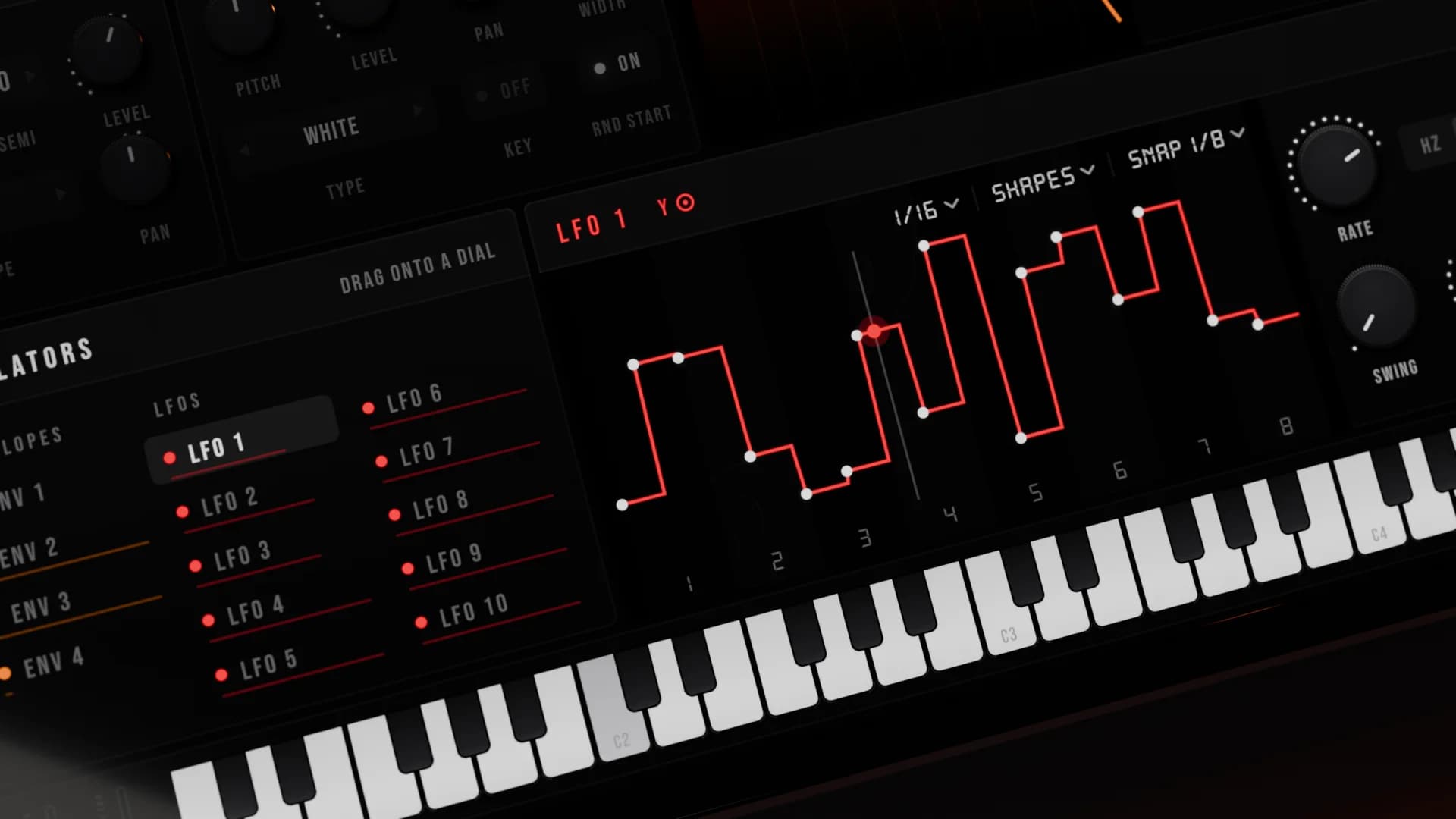
4 envelopes and 10 LFOs with drawn shapes, Lorenz and Rössler chaos. Drag any source onto any knob, or wire it in the 64-slot matrix.
03 · FX
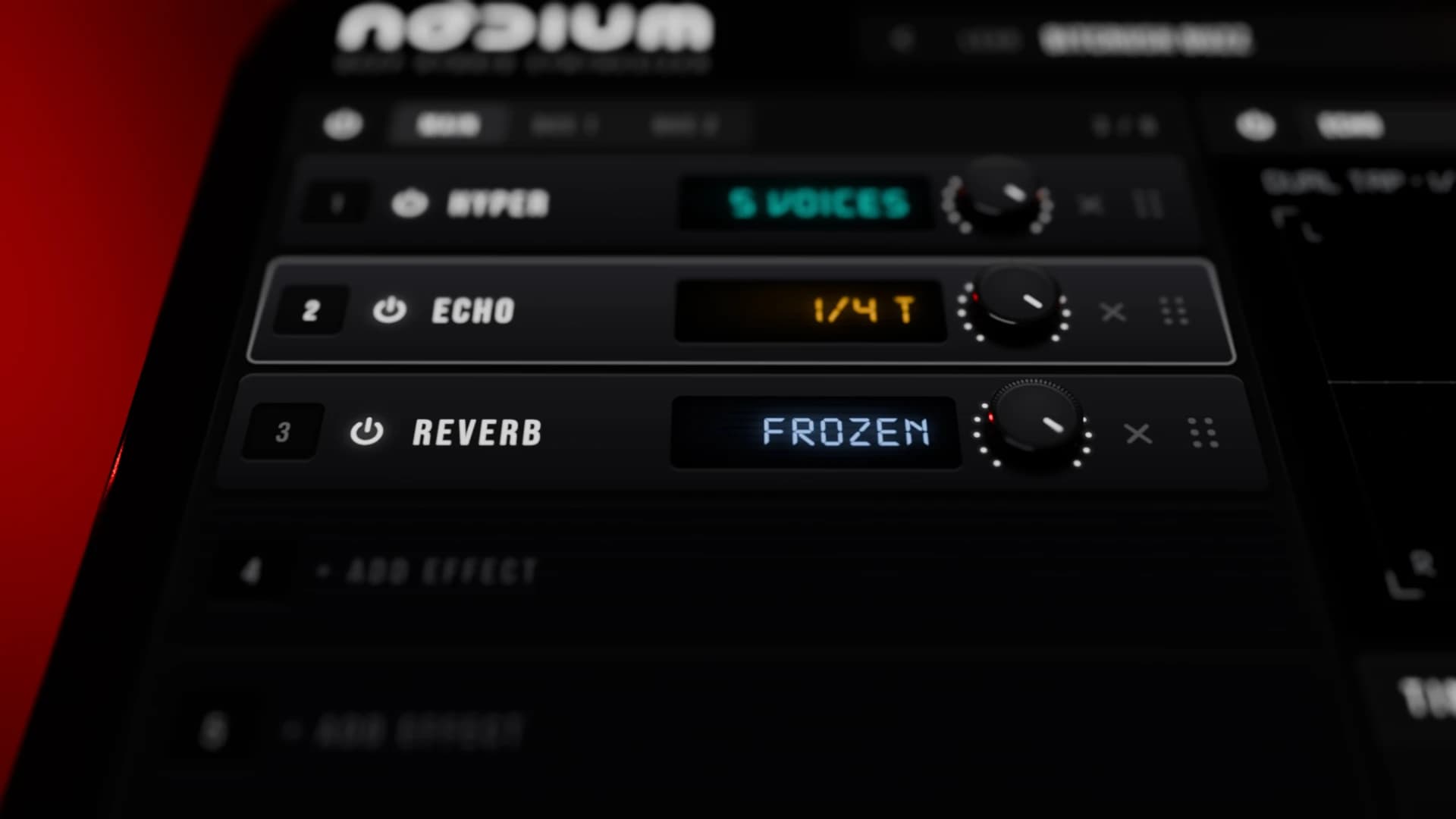
A main rack and two buses with eight slots each: hyper, distortion, delay, reverb, convolve, frequency shifter and band splitters.
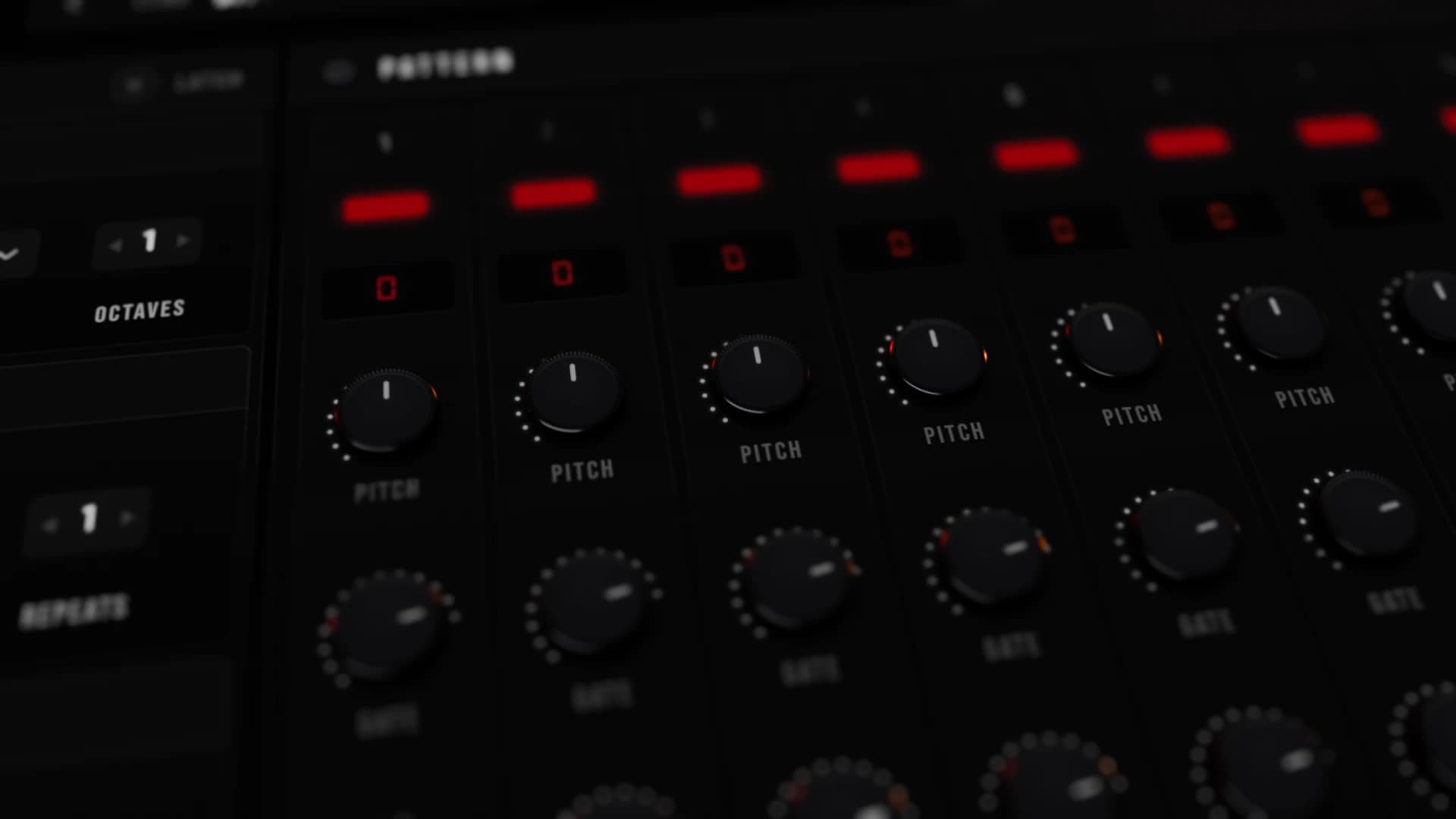
04 · Arpeggiator
Ten modes, including a pattern with octave, velocity and gate on every step. Swing, chance, repeats and latch.
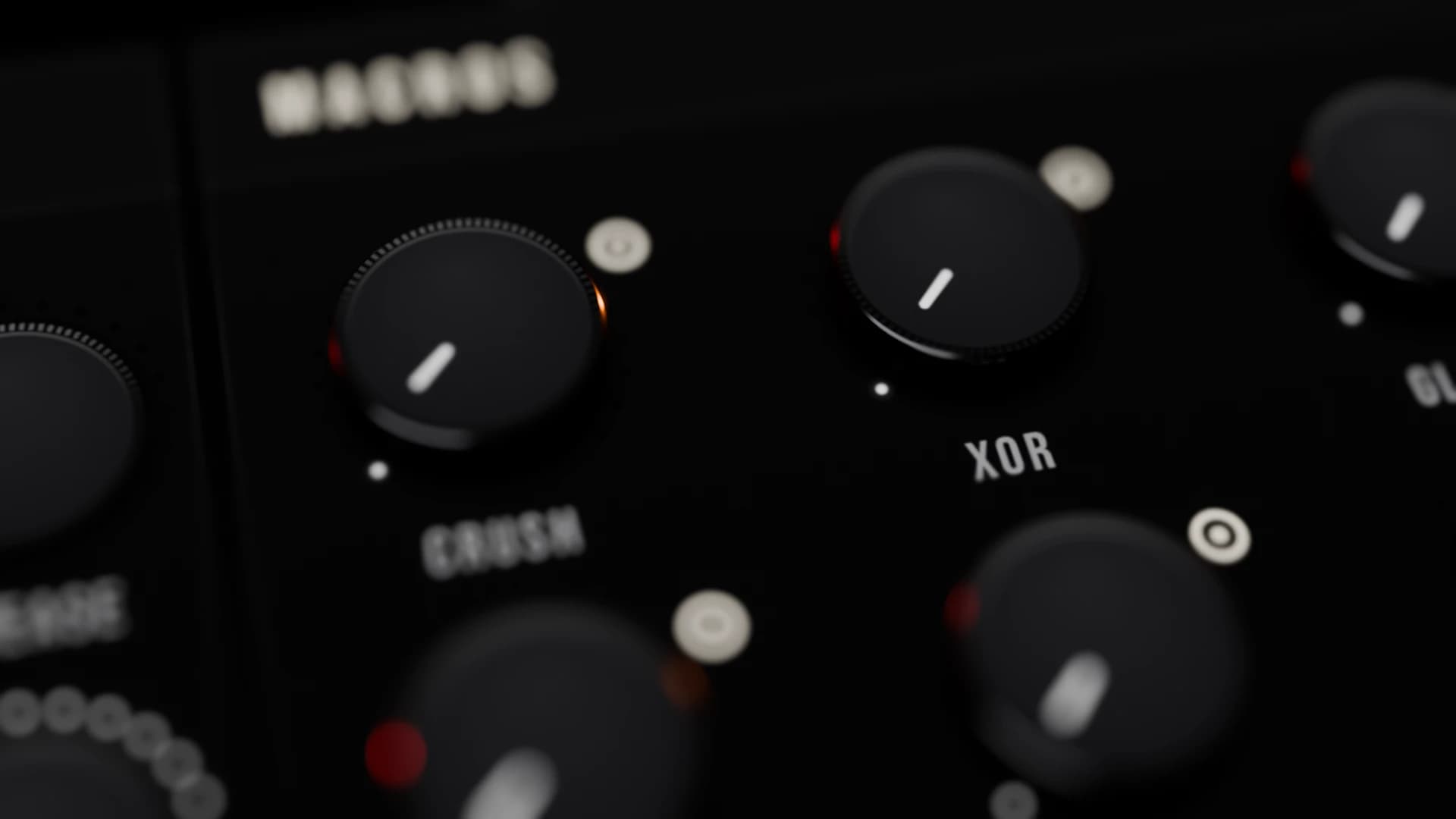
05 · Macros
Map a sweep across the whole patch to one dial. Macros are modulation destinations too.
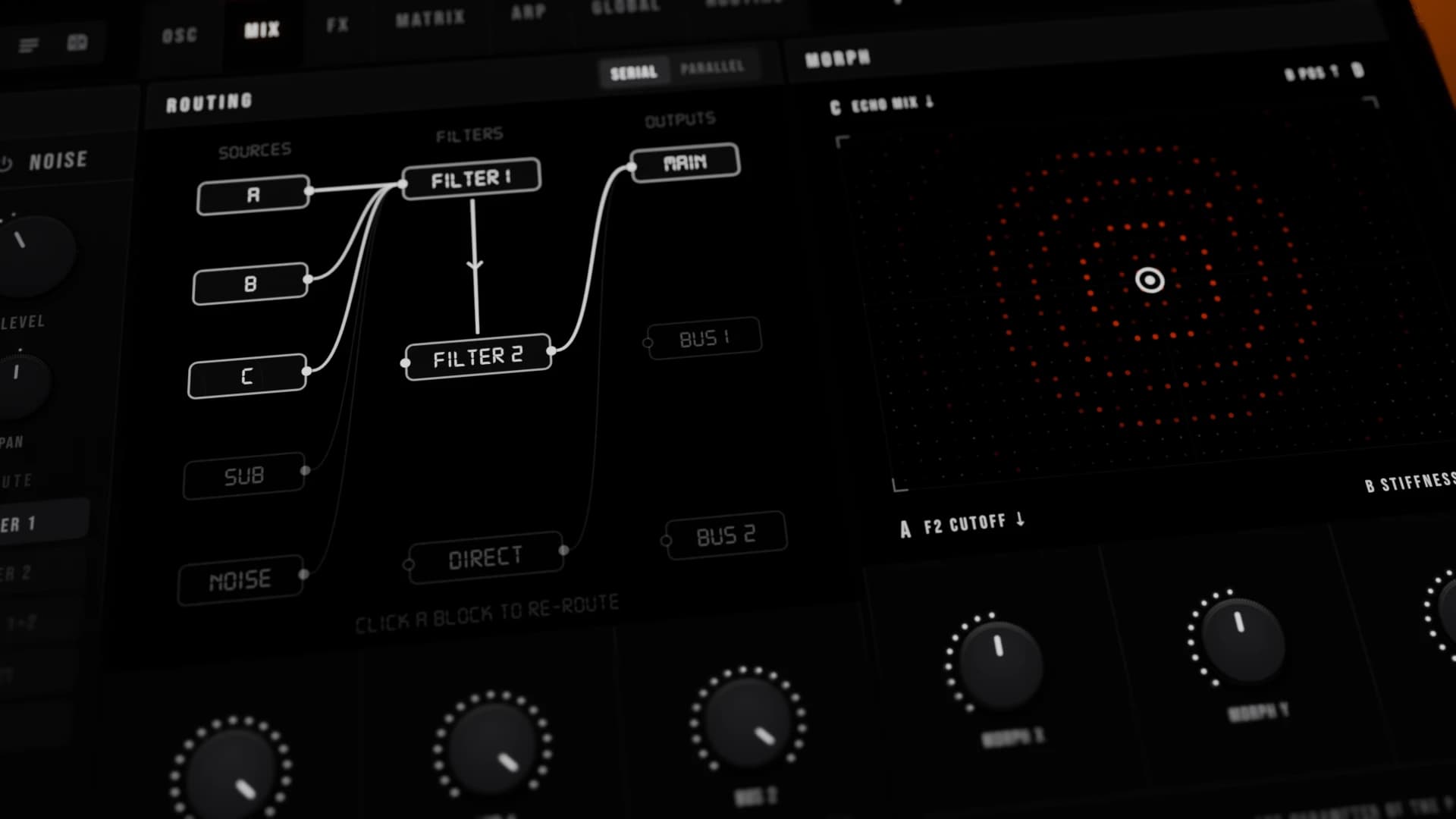
06 · Mix and Morph
Send each source through either filter or straight past them, then on to the main rack or two FX buses. Morph flies the whole patch between four stored snapshots.
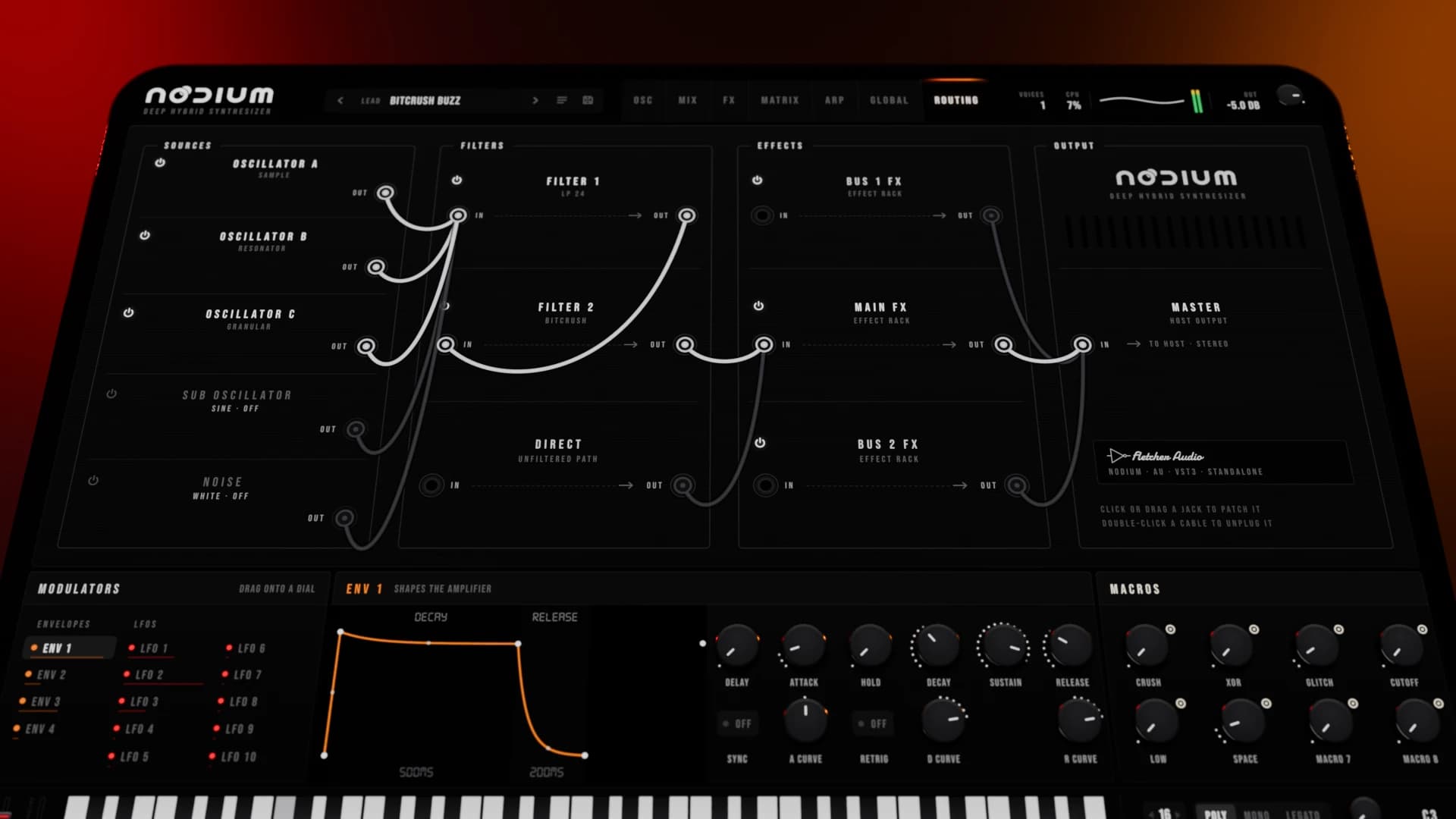
07 · Routing
Oscillators, sub and noise into two filters, three racks and the master. Patch it the way you hear it.
Listen
15 short pieces. Every synth part is a Nodium factory preset, rendered through the plugin itself. A few add drums from our emulators.
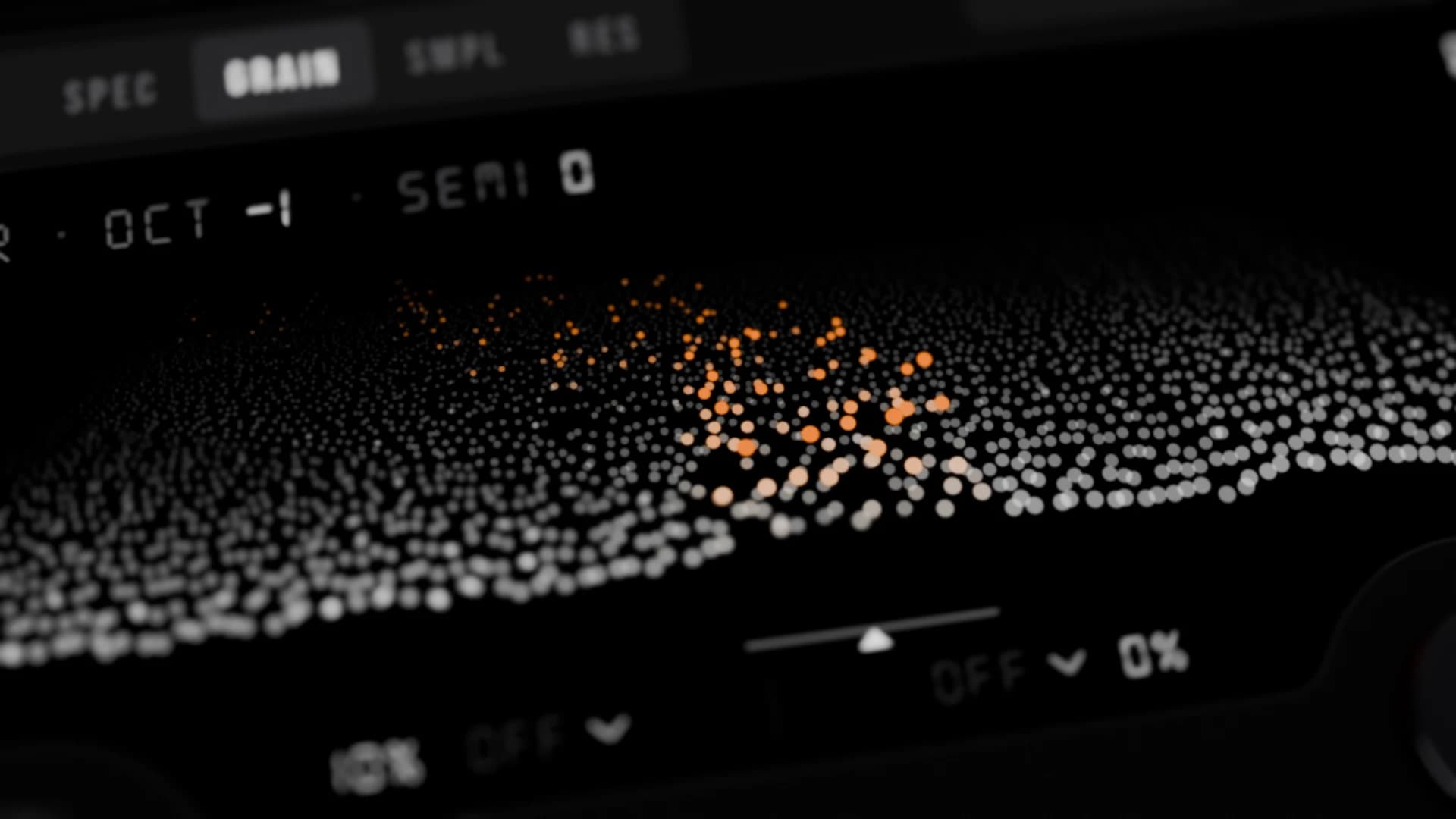
A granular choir and a spectral soprano dissolve into millisecond grains, then re-form as dark strings.
Presets Choir Grains, Seraph, Glass Rain, Coalesce, Tape Start
Free beta
We need producers to put Nodium through real sessions before release. The beta is completely free: no card and no payment.
Apply
Fill in the form. It takes a minute.
Confirm your email
Press the link in the email we send you.
You're in
We email you to say your application has been accepted.
Get Nodium
When the beta is ready, everything you need lands in your inbox.
Free for beta testers
Nodium is a hybrid synthesizer plugin from Fletcher Audio. Each of its three oscillators switches between five engines (wavetable, spectral, granular, sample and a physical-modelling resonator), with two stereo filters, 18 effect modules, a 64-slot modulation matrix and 1,000 factory presets.
Yes. The beta is completely free for testers. There is no card and no payment.
Nodium runs as an AU or VST3 plugin inside your DAW, or on its own as a standalone app.
Fill in the form on this page, then press the link in the confirmation email. We email you to say your application is accepted, and again when the beta is ready to download.
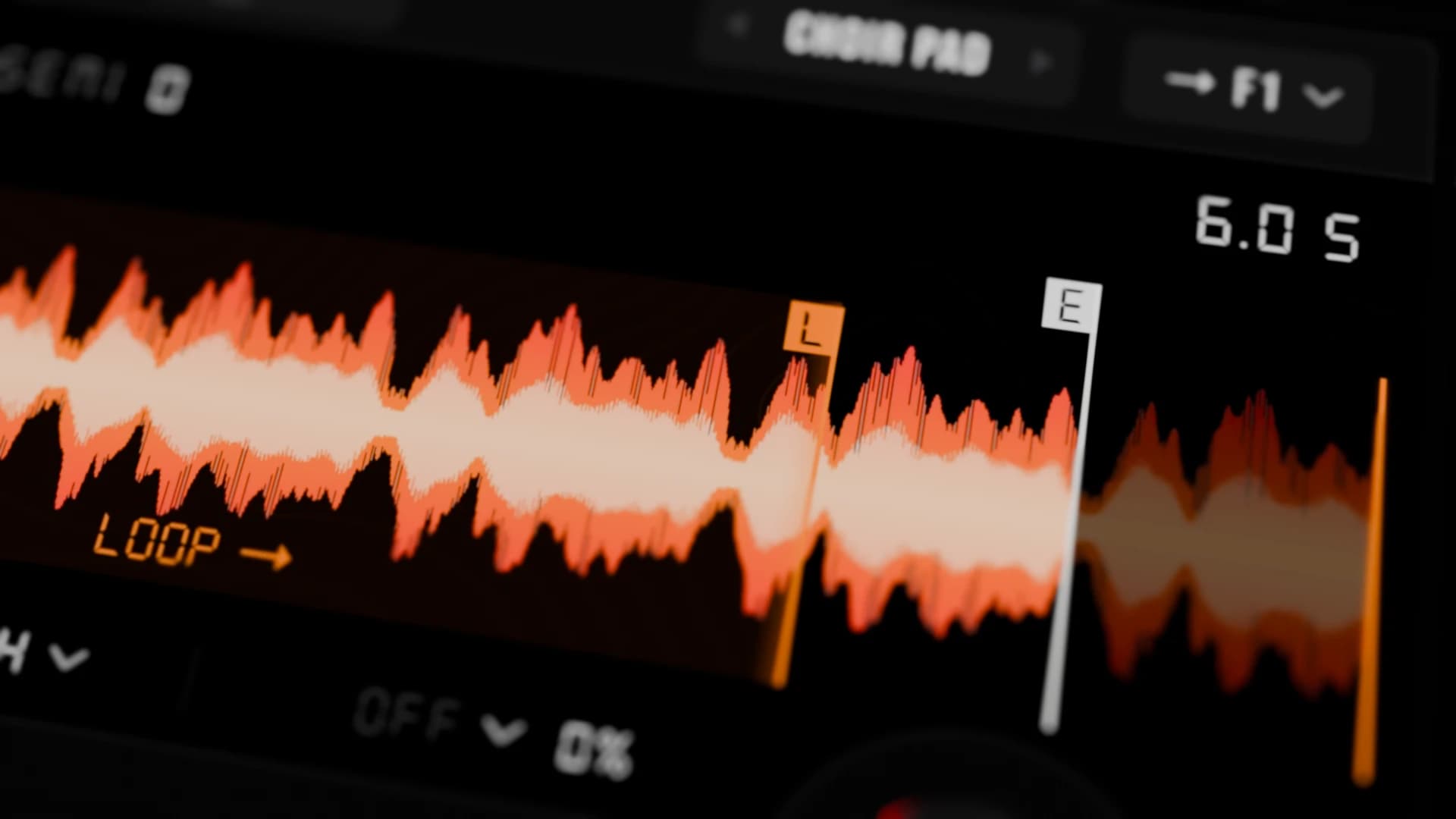
Yes. You can import WAV wavetables, and load your own WAV files into the granular and sample engines.
Use Nodium in real sessions and tell us what works and what breaks, before it is released.
Fletcher Audio, the maker of Tape Deck, Vapor Riser FX and the other plugins on audionode.